

You open a job application. There are six pages. Each one asks for your name, address, employment history, education, and references. Differently formatted. Same information. Again.
This is the specific frustration that autofill job applications Chrome extensions were built to solve. But not all of them actually solve it, and Chrome's own built-in autofill is nearly useless on the platforms where most real jobs live.
Why Chrome's Built-In Autofill Fails on Job Applications
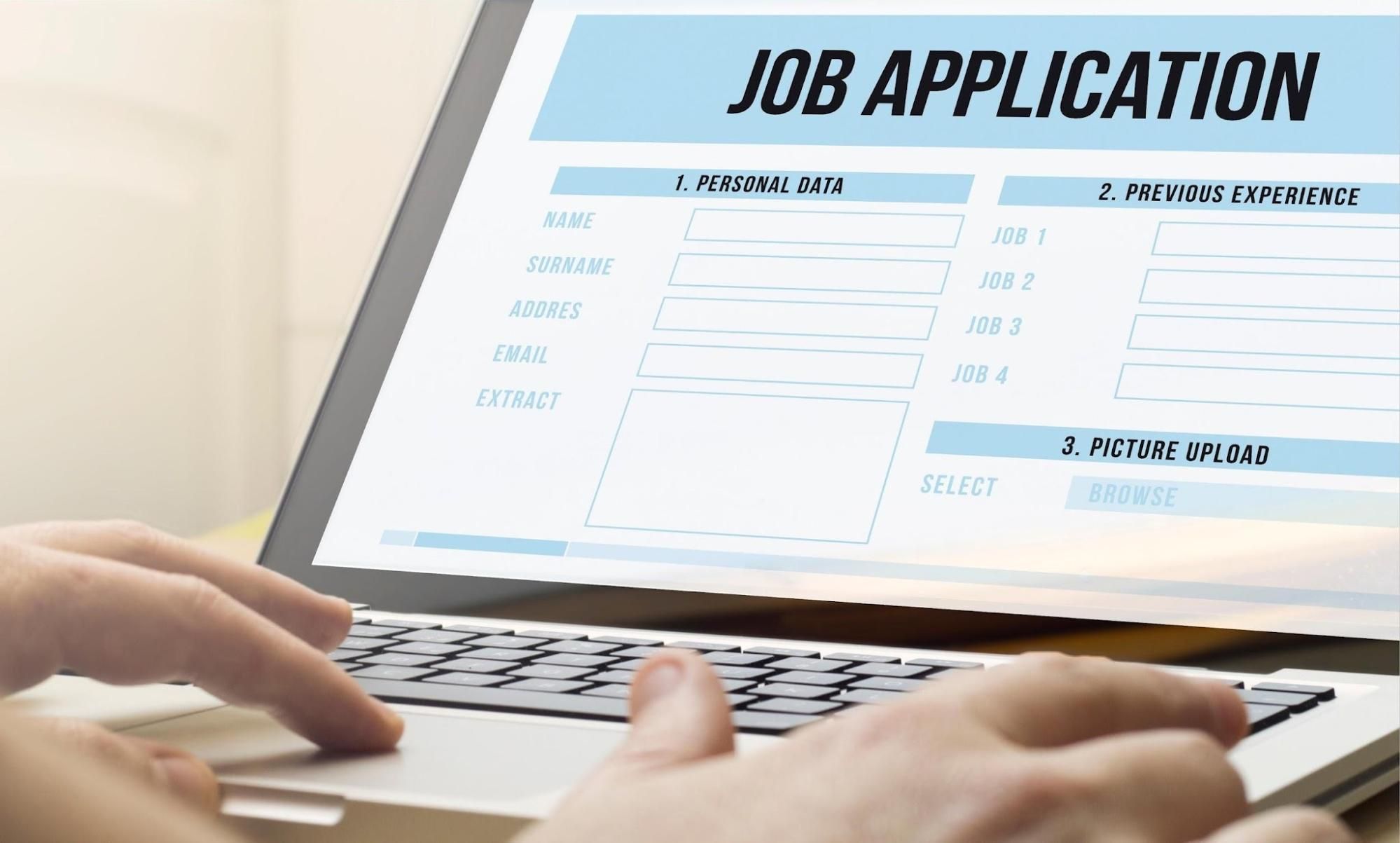
Most people try Chrome's autofill first. Most people are disappointed.
Chrome matches fields by their name, ID, and autocomplete attributes. Workday, Greenhouse, Lever, and most ATS platforms generate random field IDs like input-3842 that mean nothing. Chrome sees that ID and has no idea it means "first name."
The result? Chrome fills your name and email on page one, then stares blankly at the next four pages while you type everything manually.
Testing Chrome autofill across 50 popular websites found an overall success rate of 38%. Job application portals were the worst offenders. Workday forms? Chrome essentially leaves them blank.
That's the core gap. Chrome was built for e-commerce checkouts and login forms, not for multi-step ATS platforms with dynamically generated field IDs and custom dropdowns. Dedicated autofill extensions read the form differently, interpreting visual labels and contextual cues rather than HTML attributes alone.
How a Dedicated Autofill Extension Works
The mechanism is fundamentally different from Chrome's approach.
Chrome's approach: scan the HTML, find an input with name="email," paste the stored email. If the attributes don't match any known pattern, skip it. An AI-powered approach: read the visible label next to the field, read the placeholder text, read the section heading above it, and understand that a field labeled "Email Address" under a "Contact Information" heading wants your email, regardless of what the HTML attribute says.
The practical difference is significant. Where Chrome handles maybe 30-40% of a Workday form, a dedicated extension handles 80-100% of the same form, including dropdowns, date fields, and conditional questions that only appear after you interact with earlier sections.
The setup process is consistent across most extensions:
Install from the Chrome Web Store
Create a profile with your personal info, work history, education, and references
Navigate to any supported job application page
Click the extension icon and watch it populate the form
Review, adjust if needed, and submit
That last step matters. Always review before submitting. Even the best extensions misfire on ambiguous fields, and a submission with wrong dates or a misplaced address creates a worse impression than a manual application.
What to Look for in an Autofill Extension

ATS coverage is the non-negotiable starting point. An extension that doesn't work on Workday, Greenhouse, Lever, iCIMS, and Taleo covers only a fraction of real corporate job applications. These five platforms together power the majority of Fortune 500 hiring portals.
Beyond coverage, check:
Custom question handling. Standard fields are the easy part. Open-ended questions like "Why do you want this role?" require a different kind of intelligence. The better extensions generate contextual answers from your profile that you can edit before submitting.
Privacy. Your resume and employment history are sensitive data. Check whether the extension stores your information locally or on external servers, and whether the developer explicitly states they don't sell your data.
Free tier limits. Some extensions advertise as free but cap applications or lock key features behind subscriptions. Know what you're getting before you build your workflow around a tool.
Reliability across platforms. Most browser autofill extensions only work on simple fields and break on platforms like Workday or Lever. Test on a real application before committing.
The extension that consistently comes up across all these criteria is Zapply's free Chrome extension. It autofills every field in one click across all major ATS platforms, including Workday, Greenhouse, and Lever, handles custom questions and dropdown menus, and is completely free for job seekers. It also connects directly to Zapply's curated job board, so you're applying to verified, active listings rather than stale aggregator postings.
Apply Faster with the Right Extension and Zapply
A Chrome extension for autofilling job applications solves a real, specific problem: the repetitive data entry that drains your energy and slows your search to a crawl.
Key takeaways:
Chrome's built-in autofill succeeds on roughly 38% of websites and fails on most ATS platforms
Dedicated extensions read visual labels and context, not just HTML attributes, which is why they work where Chrome doesn't
ATS coverage of Workday, Greenhouse, Lever, iCIMS, and Taleo is the minimum bar worth clearing
Always review autofilled applications before submitting, particularly for custom questions and date fields
Privacy matters: check whether your data is stored locally or sold before installing anything
Download Zapply's free Chrome extension and pair it with Zapply's verified job board for a complete application workflow that's faster, more accurate, and built around real opportunities.